If you have ever wanted to share files but had no internet connection, you might have run into trouble! Sure, there is Bluetooth, but it's very slow and your phones need to be very close to each other. Several Android apps have tackled this issue, so let's see how Zapya managed to deal with it!
Flexible connections and broad support
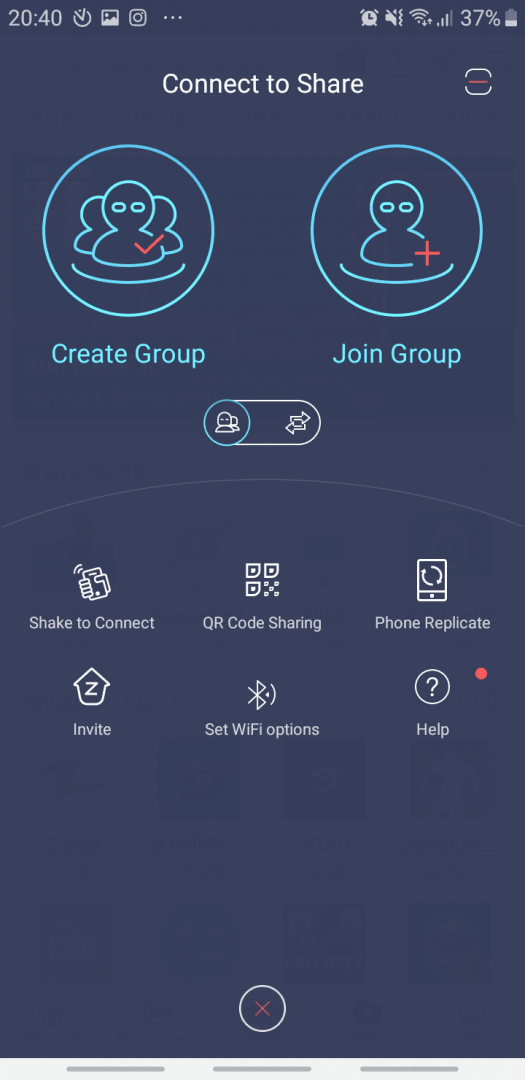
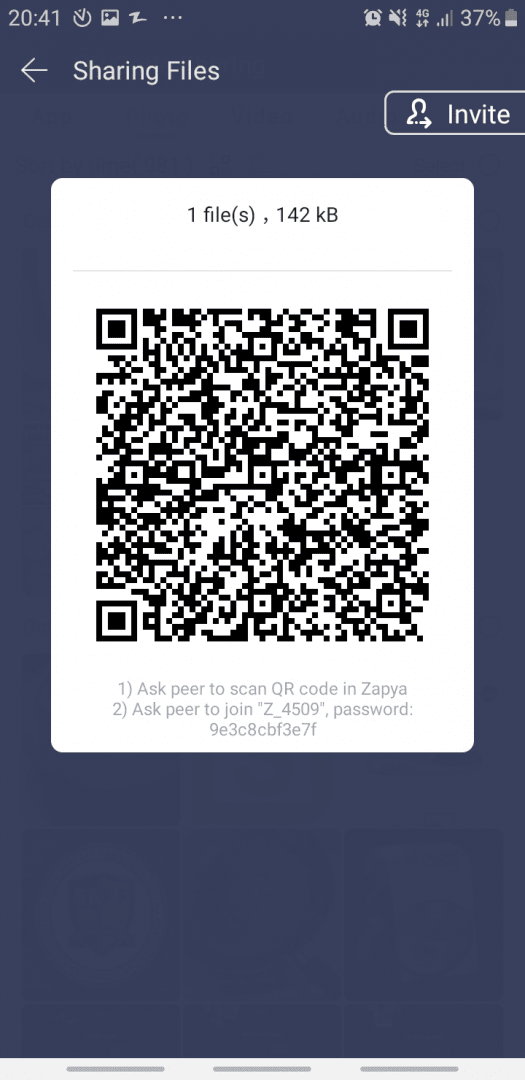
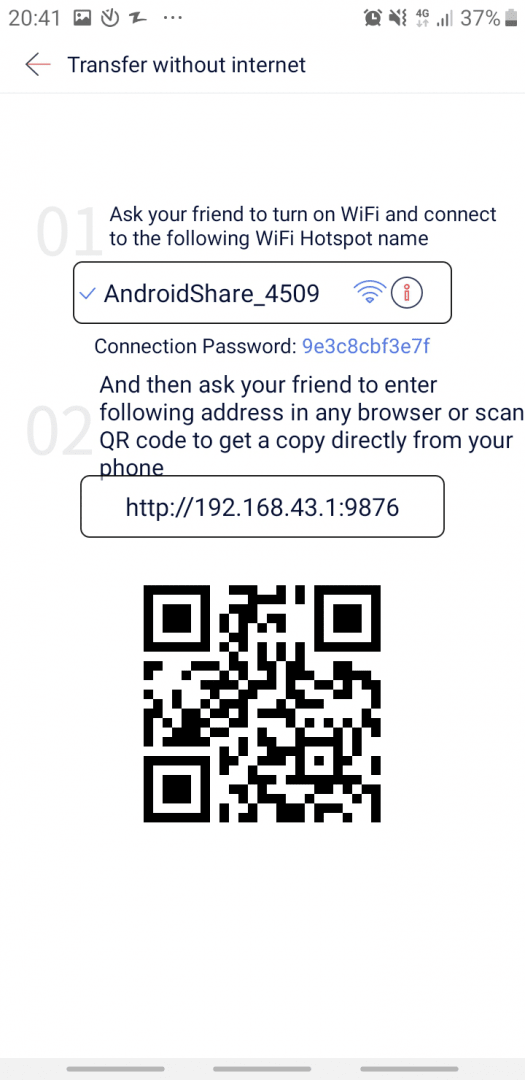
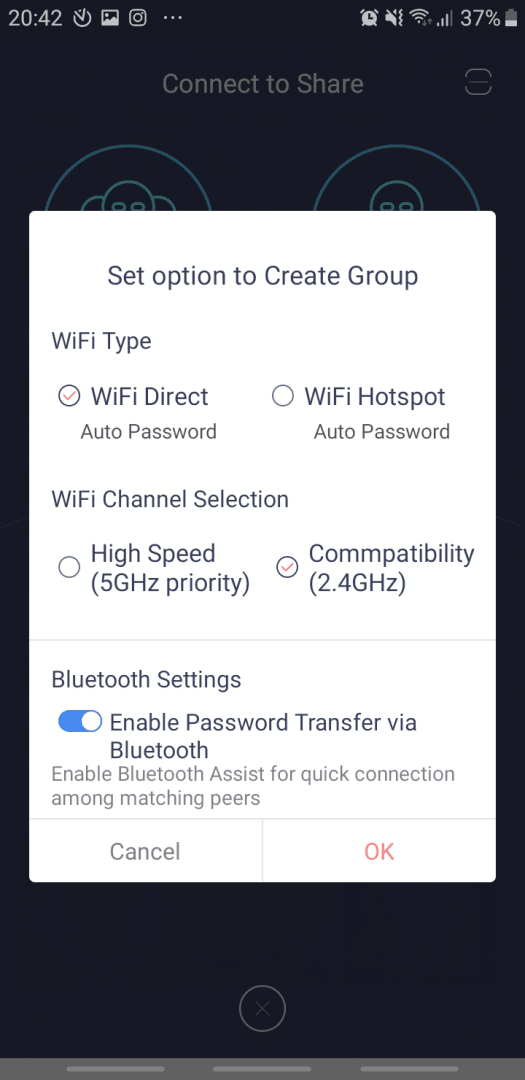
Zapya is a free-to-use, cross-platform file-sharing app. All of its features are available for free, but you do have to deal with ads. It supports 20 languages. There are three ways you can share files: you can create or join a group, generate a QR code which initiates the sending process as soon as it's scanned, or simply shake both phones to establish a connection.Transfer anything from photos to apps
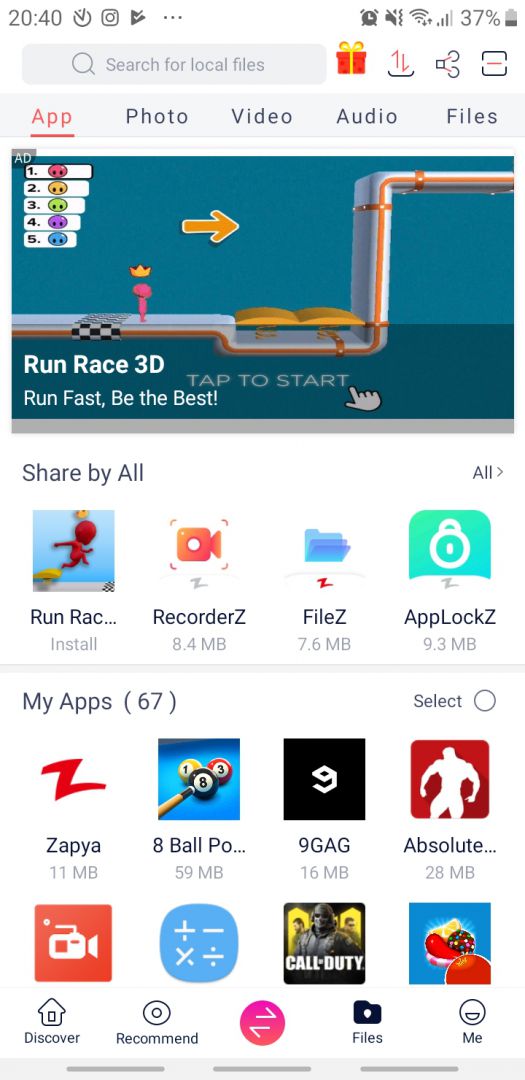
You can send virtually any file on your device. You can even send apps you already have installed. Zapya automatically packages them up so they can be easily installed on the receiver's phone. The photo, audio, and video browsers are excellent, and the built-in file explorer is very useful because you can view files of the same type under one list. You can also share contacts easily!Handy extras: backups and offline chat
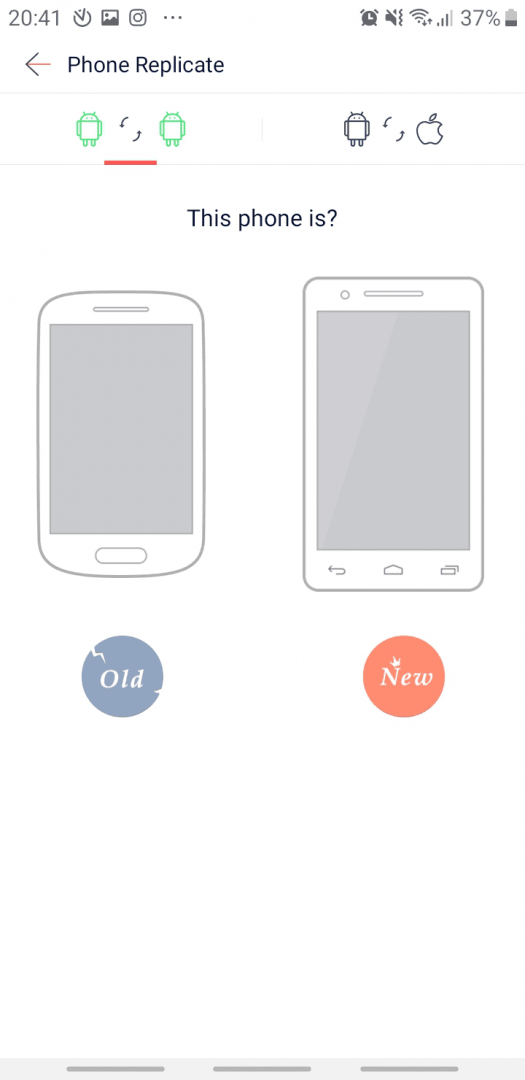
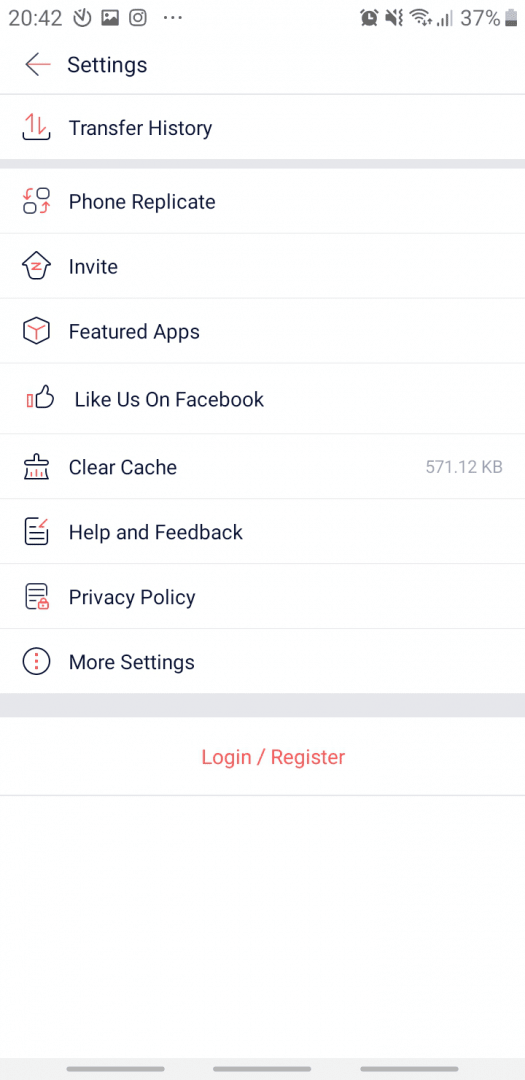
Another useful feature is called Phone Replication. This enables you to easily transfer all files from your old device to a new one. Not only can you share files, but you can also chat with nearby friends without using cellular data! This can be done in groups as well. There is also a remote camera feature where you can see what your friend sees through their camera.A solid cross-platform utility
Because Zapya is truly cross-platform, everything mentioned can be used to communicate with iOS devices, PCs, and Macs. You can even use your phone as a wireless mouse after connecting it to your PC. Apps can also be batch-installed. Simply gather your APK files and choose the Install All option. This can really save time!